
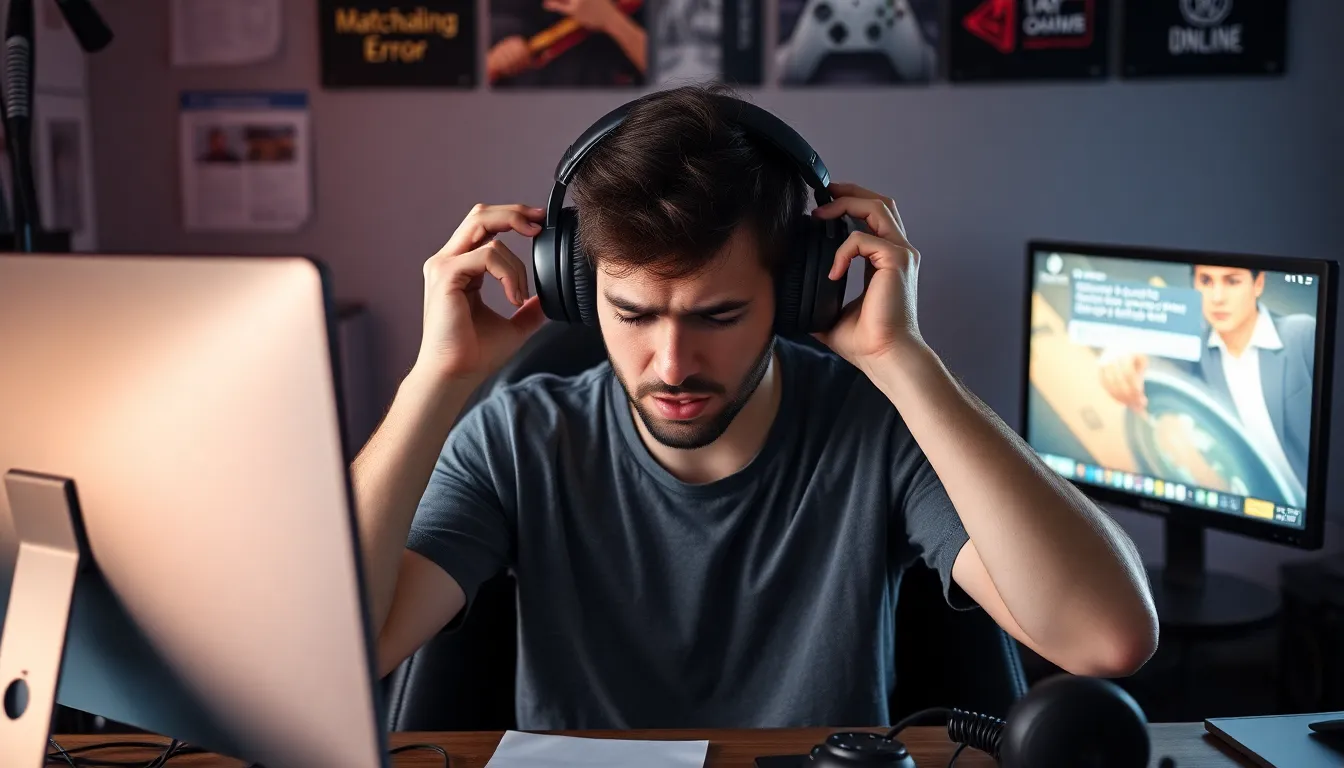
Imagine gearing up for a night of gaming glory, only to find yourself stuck in the digital limbo of party match sync issues. It’s like showing up to a party in a fabulous outfit only to realize no one else got the memo. Frustrating, right? These pesky sync issues can turn the most epic gaming sessions into a chaotic mess of mismatched teams and endless loading screens.
Overview of Party Match Sync Issues
Party match sync issues significantly impact online gaming experiences. Players often face challenges like delayed matchmaking or mismatched team compositions. These sync problems create unpredictability, making it difficult to collaborate effectively. Communication between party members breaks down when connections aren’t aligned.
Technical factors contribute to these disruptions. Differences in network latency can lead to inconsistent gameplay. Variations in server locations also affect how well players connect during matches. Platforms may experience outages or maintenance that further complicate synchronization.
Friend and party systems often rely on accurate presence detection. When issues occur, players may find themselves unable to join friends. Frequent disconnections can lead to frustration and reduced enjoyment. Furthermore, some players might experience matchmaking penalties due to these disruptions, compounding the negativity.
Addressing party match sync issues remains a priority for developers. Solutions may include better server infrastructure or enhanced coding to minimize latency. Users can also help by using stable internet connections and reporting persistent issues to support teams. Gamers prefer working together in a seamless environment, where everyone has a fair chance to participate fully.
Ultimately, solving these sync issues fosters a more engaging and satisfying gaming experience. When coordination improves, players can focus on strategy and enjoyment rather than technical barriers. Enhanced synchronization methods stand to benefit both developers and the gaming community as a whole.
Common Causes of Party Match Sync Issues
Party match sync issues arise from several common factors, complicating online gaming experiences.
Network Connectivity Problems
Network connectivity problems disrupt game synchronization. High latency significantly impacts real-time interactions, causing delays during gameplay. Players using unstable connections may experience frequent disconnections or game freezes, making team collaboration challenging. Another issue involves inconsistent bandwidth, which affects data transmission speed and consistency across players’ devices. Variability in server locations can also result in uneven synchronization, leading to mismatched matchups. These issues together create a frustrating environment for gamers trying to enjoy seamless cooperation.
Software Bugs and Glitches
Software bugs and glitches play a significant role in party match sync issues. Developers occasionally release updates that unintentionally introduce new errors, disrupting communication between players’ systems. Outdated software versions may not properly support new game features, causing inconsistencies during matchmaking. Hidden bugs within the code can lead to incorrect presence detection, making it difficult for players to join parties. Every time a player encounters these glitches, frustration increases, detracting from the overall gaming experience and diminishing user satisfaction. Addressing such software-related problems becomes essential for smooth online interaction.
Impact on User Experience
Party match sync issues severely disrupt the overall gaming experience. These problems affect players’ ability to engage fully in gameplay, impacting both performance and enjoyment.
Disruption of Gameplay
Delays in matchmaking lead to extended wait times that frustrate players. Mismatched team compositions can create confusion, often resulting in a lack of cohesive strategy. Players experience interruptions during crucial moments, which detracts from the thrill of competitive play. High latency causes significant lag, making the game feel unresponsive. These disruptions prevent players from executing planned strategies. Unpredictable disconnections ultimately halt gameplay, further diminishing the enjoyment of online sessions. When developers address these technical challenges, they can enhance gameplay flow and keep players engaged throughout their gaming experiences.
Frustration Among Players
Players express growing frustration when encountering sync issues. Frequent disconnections disrupt communication, leading to confusion among teammates. Many experience penalties in matchmaking for circumstances beyond their control. Players often find themselves unable to join friends or facing inaccurate presence status, which intensifies the experience of isolation. Those affected by these problems might feel compelled to abandon games early, which diminishes overall satisfaction. Addressing these sync issues not only improves player experience but also fosters a sense of community in the gaming environment. More reliable connections encourage collaboration and enhance the enjoyment of gaming sessions.
Solutions and Best Practices
Addressing party match sync issues involves implementing specific strategies to enhance the gaming experience.
Technical Troubleshooting Steps
Identify network connectivity issues as a primary source of sync problems. Use a wired connection instead of Wi-Fi when possible to ensure stability. Check the quality of the internet connection by testing the bandwidth and latency before gaming sessions. Restarting the router can often improve connection quality. Additionally, players can close bandwidth-heavy applications running in the background to free up resources. Regularly checking for local outages or server maintenance schedules can provide awareness of potential disruptions. Employing these troubleshooting steps helps minimize the frequency of disconnections and enhances sync reliability during matches.
System Updates and Patches
Install the latest updates for both the game and the console or PC to resolve various bugs and improve performance. Developers frequently release patches that address existing sync issues or optimize gameplay. Players should enable automatic updates whenever possible to keep their systems current. Checking game forums or official sites for announcements regarding new patches can provide insights into fixes for common sync problems. Outdated software can lead to communication errors and affect party match experience, so staying updated is essential for reducing synchronization issues during gameplay.
Party match sync issues can significantly detract from the overall gaming experience. Players face delays and disconnections which not only hinder gameplay but also lead to frustration and isolation. By understanding the root causes and implementing best practices, gamers can mitigate these disruptions. Developers are actively working to enhance synchronization methods, promising a more seamless experience in the future. As the gaming community continues to collaborate on solutions, the hope remains for smoother sessions that prioritize enjoyment and connection.